

30-Day Support
30-Day Quality Issue Support
Quality issue support
Contact us within 30 days of delivery
カートに商品が追加されました
| ブランド | エンティーナ |
| 製品寸法 | 奥行き13.8インチ x 幅8.3インチ x 高さ8.3インチ |
| 対応デバイス | ノートパソコン、パソコン、タブレット、スマートフォン |
| オペレーティング·システム | Linux、macOS 10.12 Sierra、Windows 10 |
| メーカー | エンティーナ |


U.S. orders are typically processed within 1–2 business days. Standard delivery after dispatch is about 2–3 business days on the West Coast, 4–5 in Central U.S., and 5–8 on the East Coast or some remote areas.
Eligible ENTINA 3D printers include a 1-year quality warranty. Covered quality or functional failures may qualify for troubleshooting, replacement parts, repair support, product replacement, or another appropriate resolution. Exclusions apply.
Change-of-mind returns may be requested within 14 days of delivery for unused, complete products in original condition. Eligible quality issues can receive return or replacement support within 30 days. Conditions and return-shipping rules apply.
Payments are processed through the methods available at checkout. Availability may vary by location, currency, order value, and provider eligibility. Payment information is subject to the applicable provider’s security, authorization, and fraud-prevention requirements.


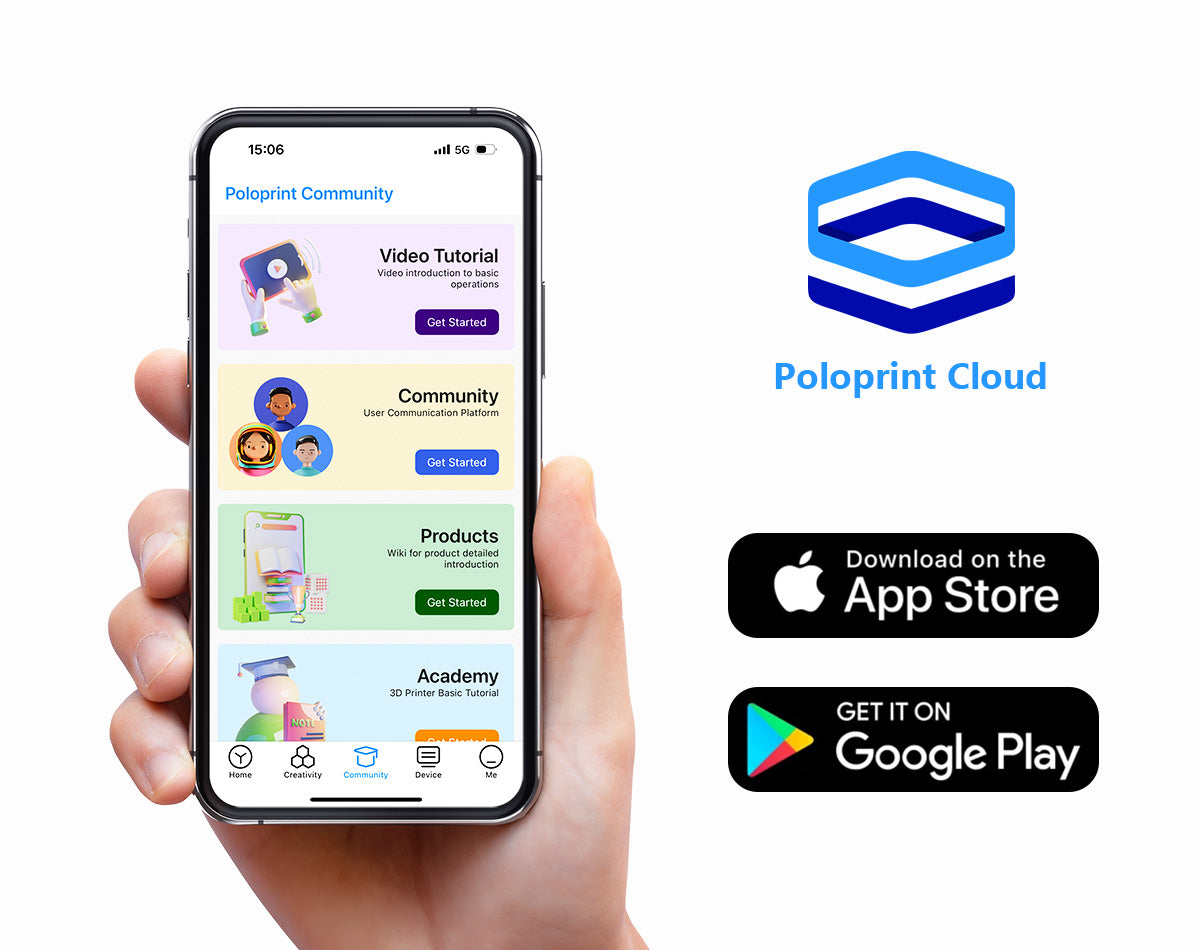
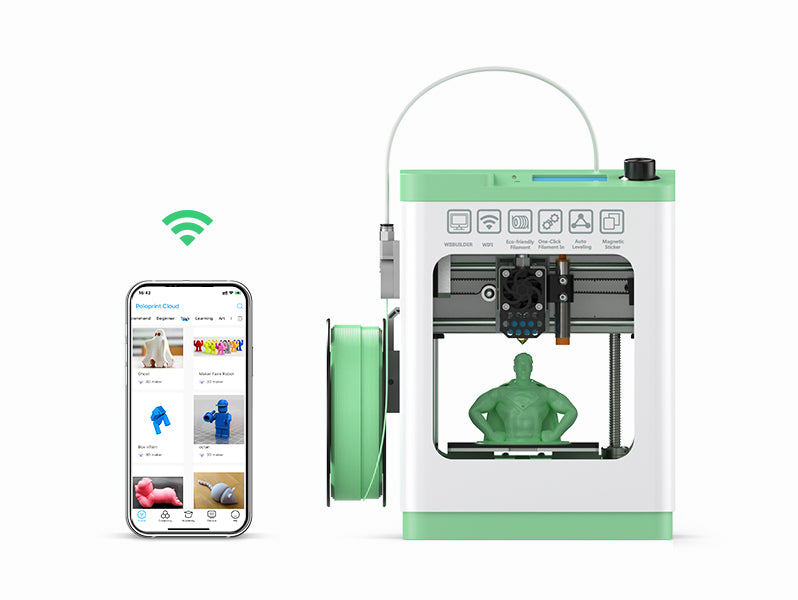
POLOPRINT CLOUD APP
Find a model, adjust the size, and print—all from your phone.


See how independent creators tested the ENTINA 3D printer for setup, first prints, Wi-Fi connectivity and everyday use.

How Easy Is 3D Printing with ENTINA? A Beginner’s First Experience
Watch Review →
From Unboxing to First Print with an ENTINA 3D Printer
Watch Review →
ENTINA 3D Printer Speed & Filament Compatibility Test
Watch Review →
Is ENTINA Easy Enough for Beginners & Kids?
Watch Review →
Is an ENTINA 3D Printer Worth It? Features, Pros & Cons
Watch Review →TINA2 Plus 3D Printer
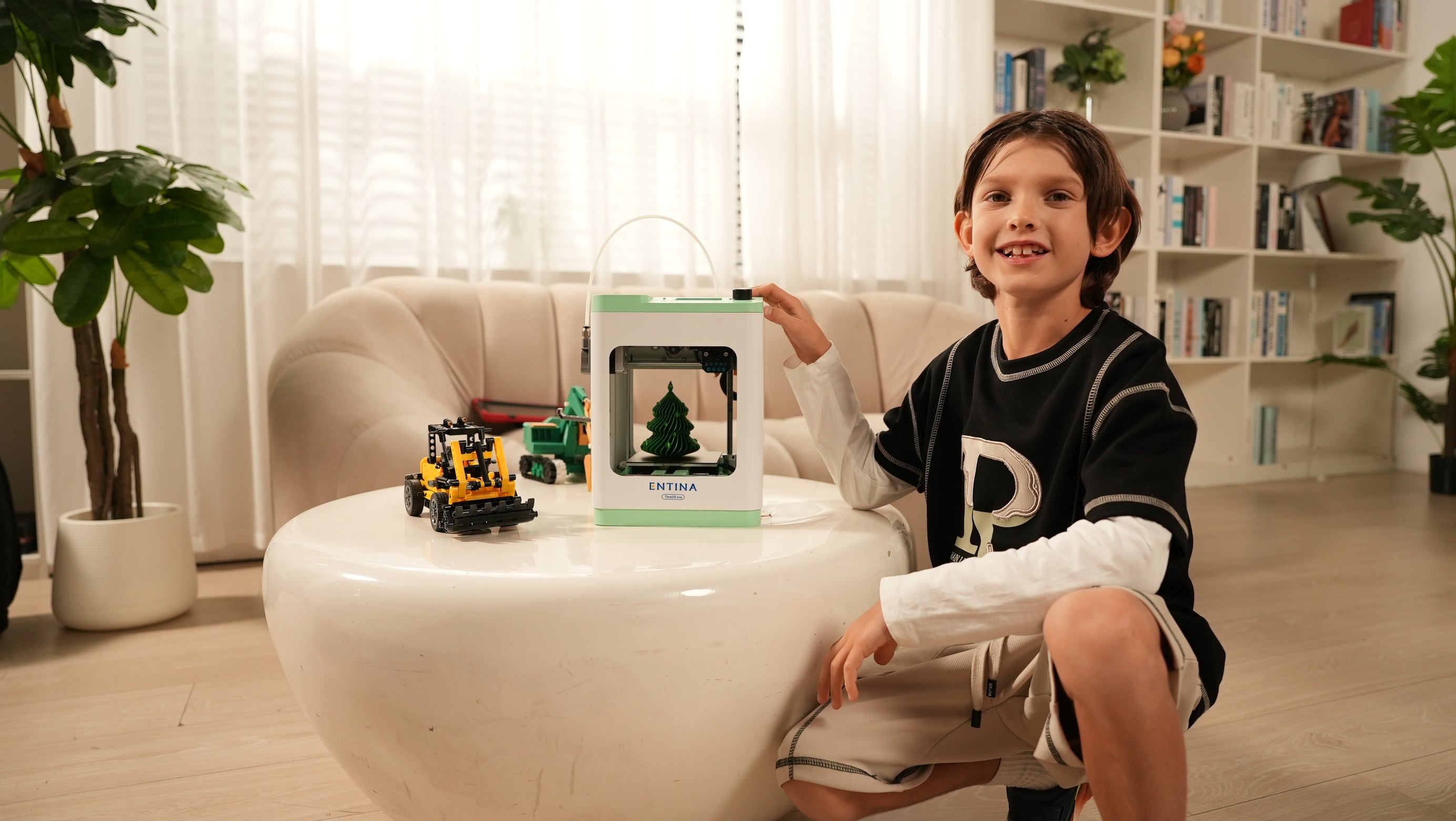
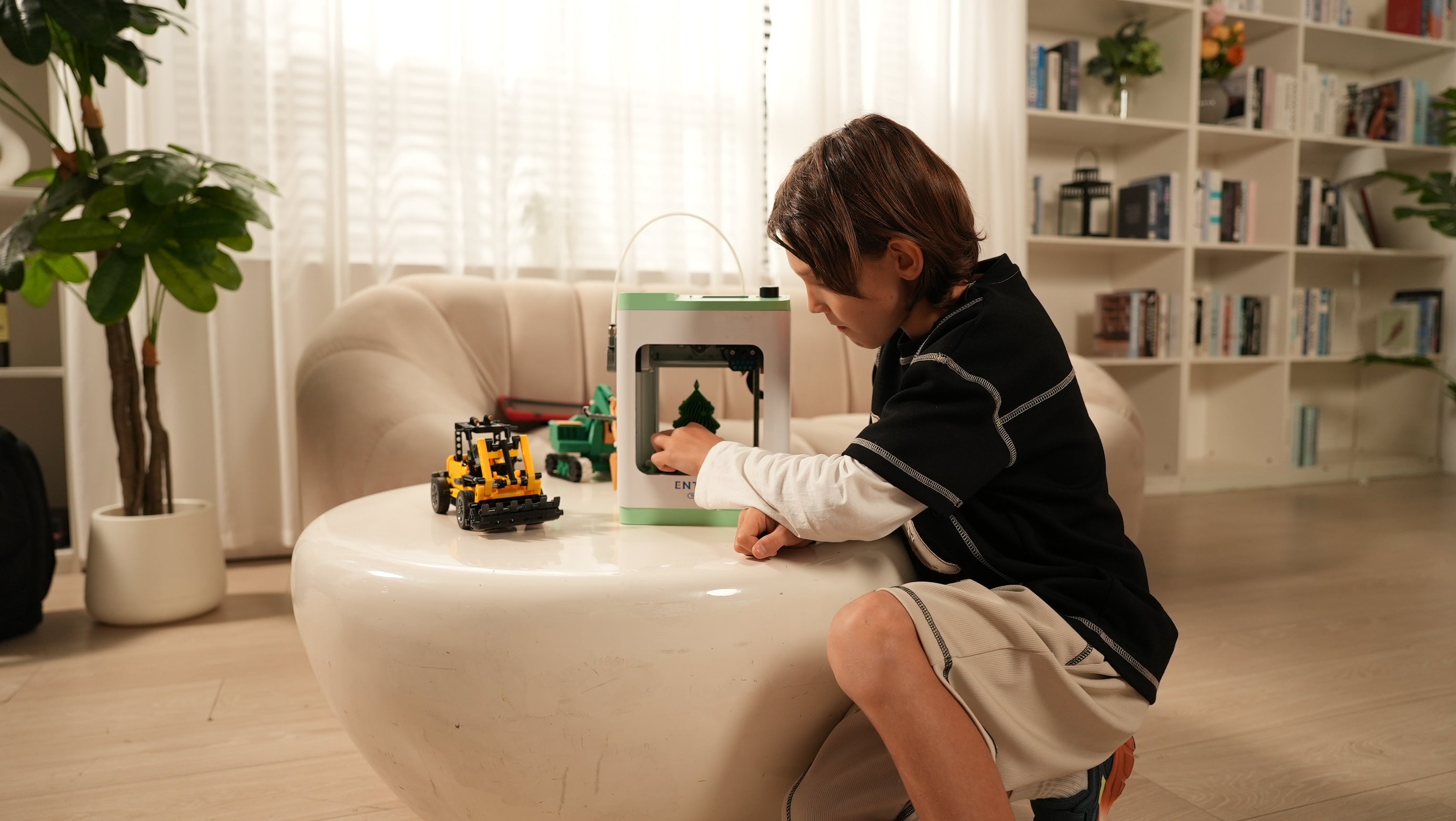
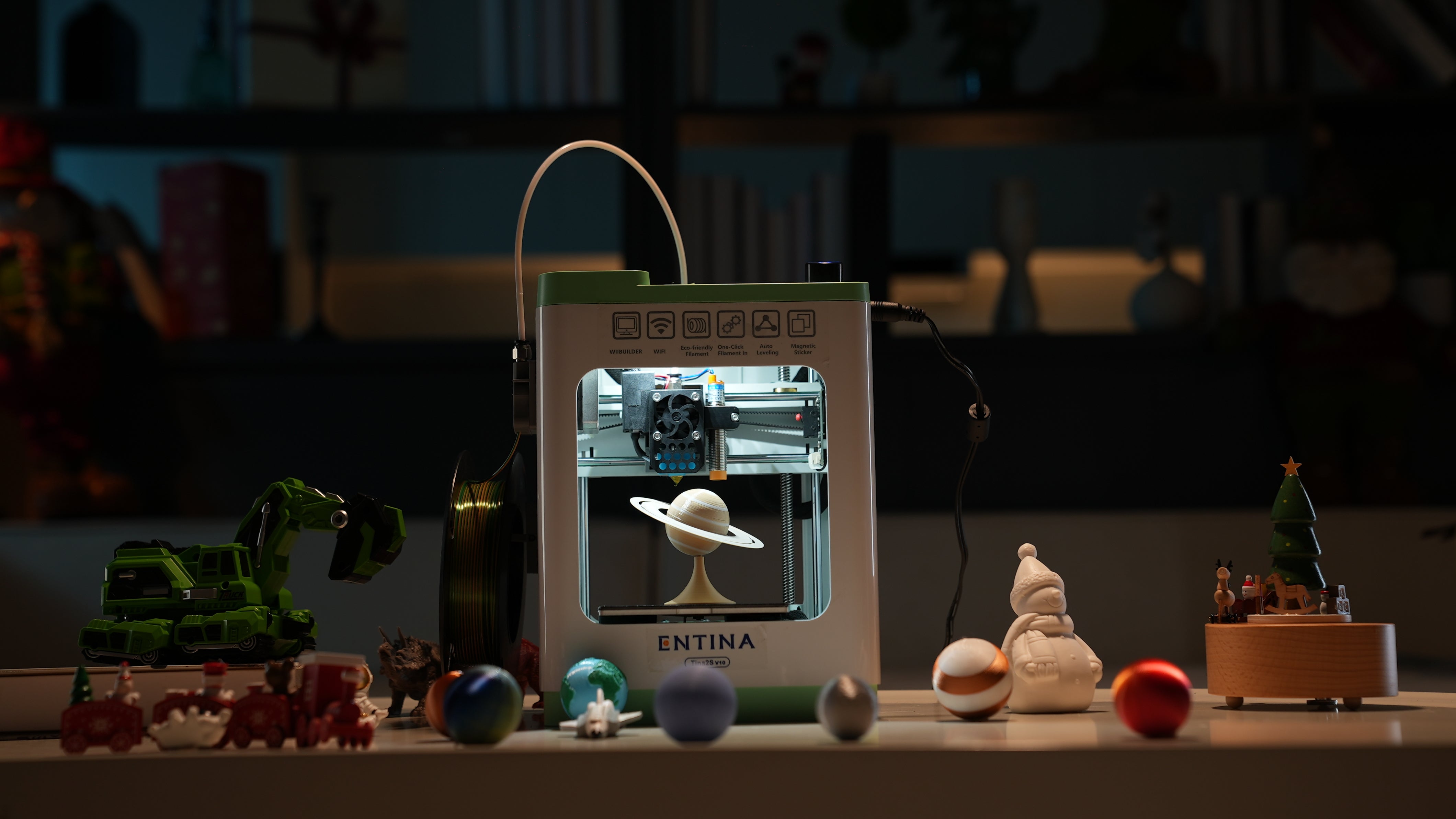
TINA2 Plus makes 3D printing easy for beginners and families. Create toys, models, school projects, and everyday ideas at home with a simple, beginner-friendly 3D printing experience.

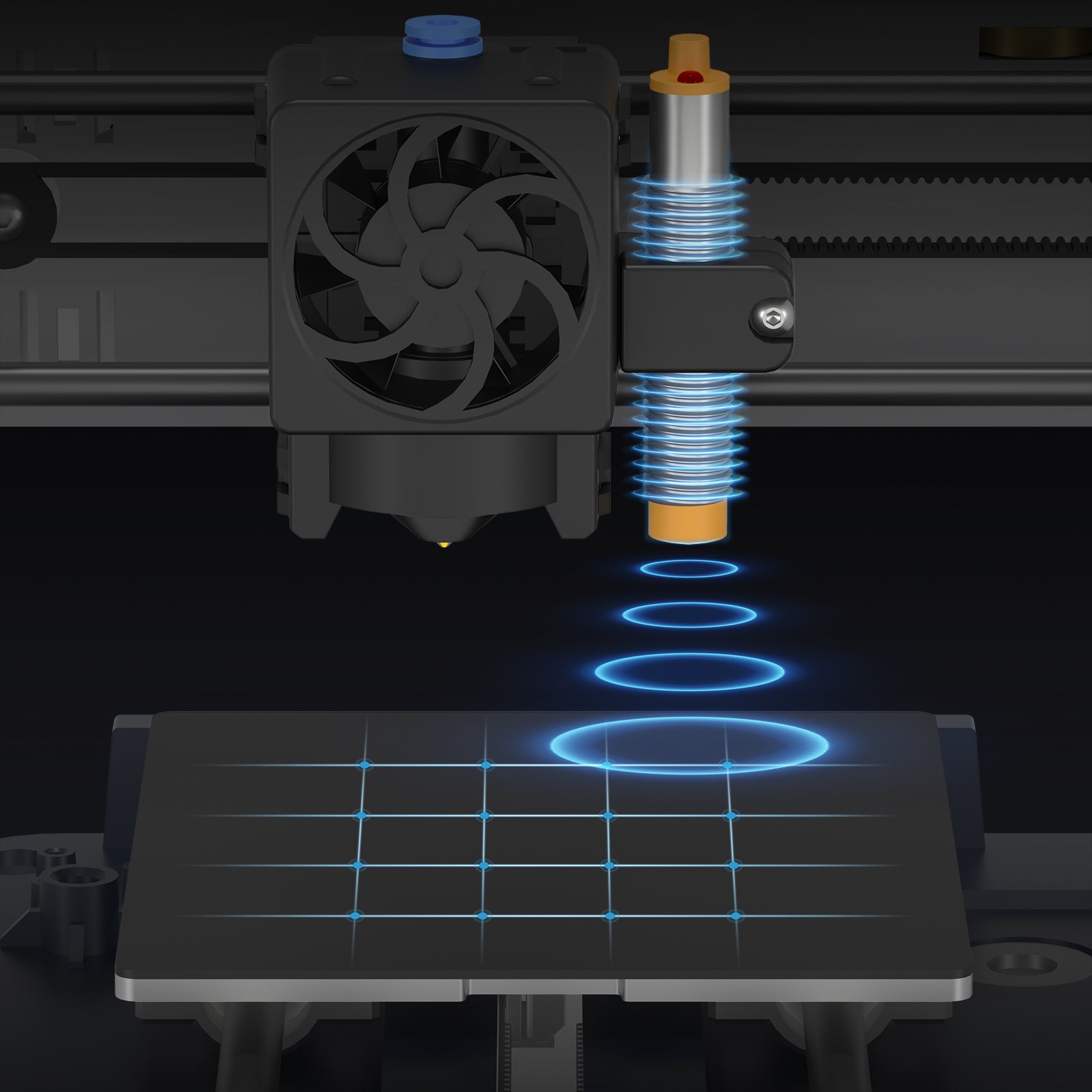
9-point automatic leveling to ensure printing success rate
Printing accuracy: ±0.1mm
Layer thickness range: 0.1-0.4mm, adjustable
Nozzle diameter 0.4mm
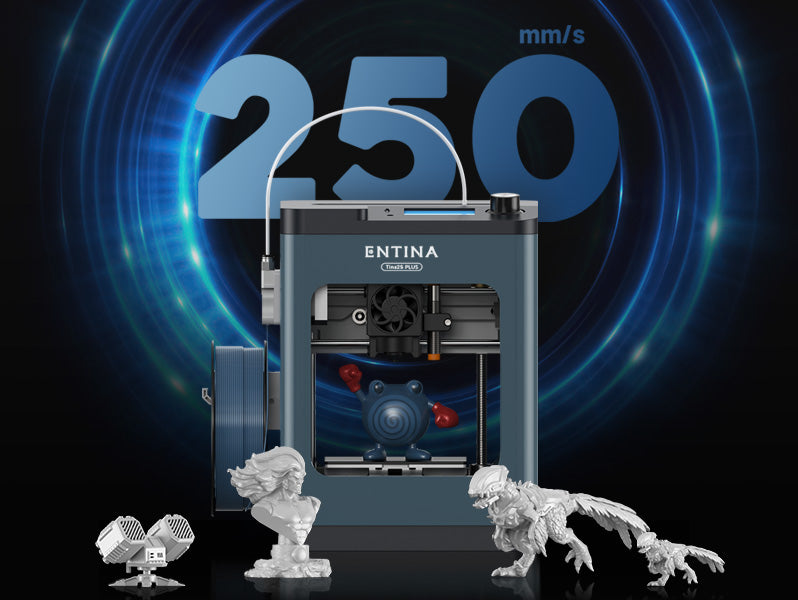
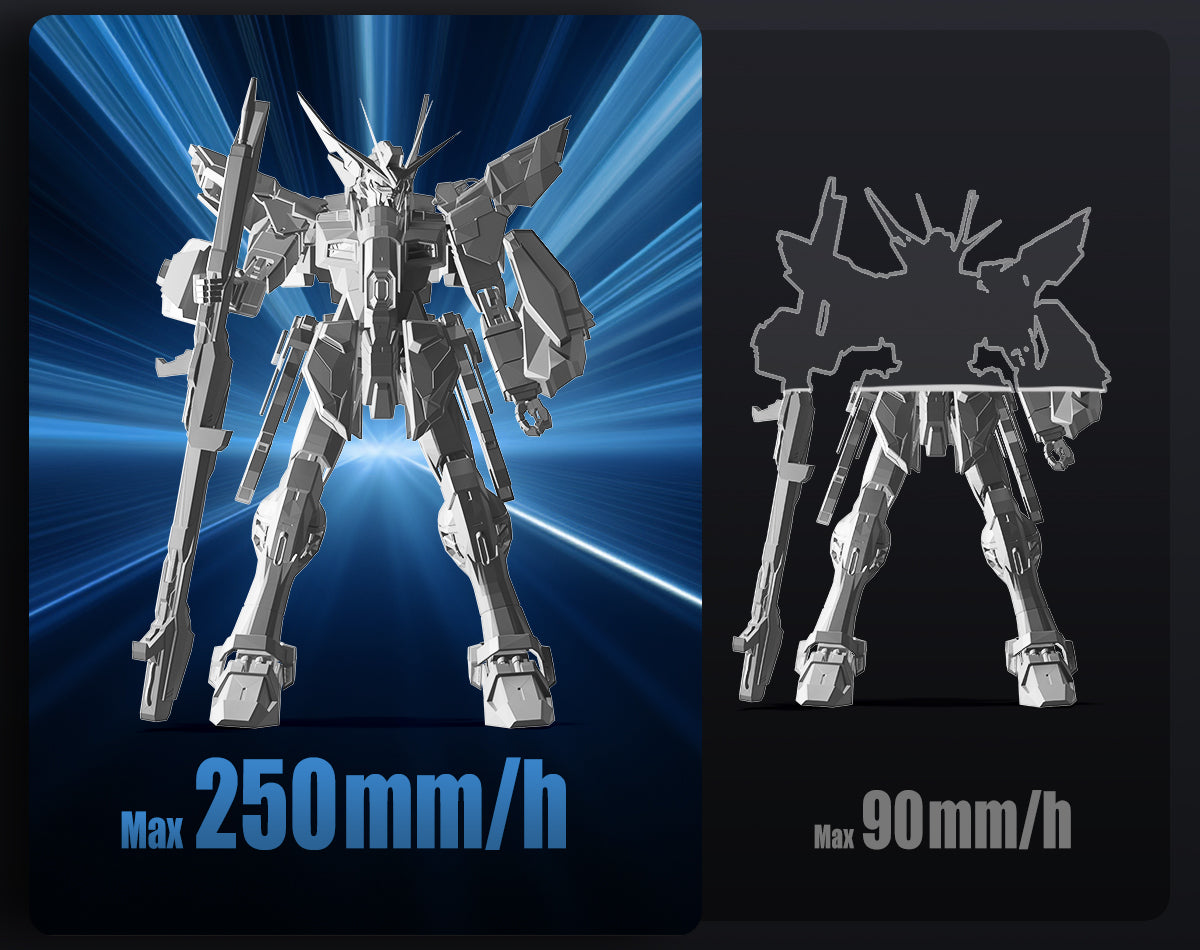
Fast printing, 40% faster, with a maximum printing speed of 250 mm/s
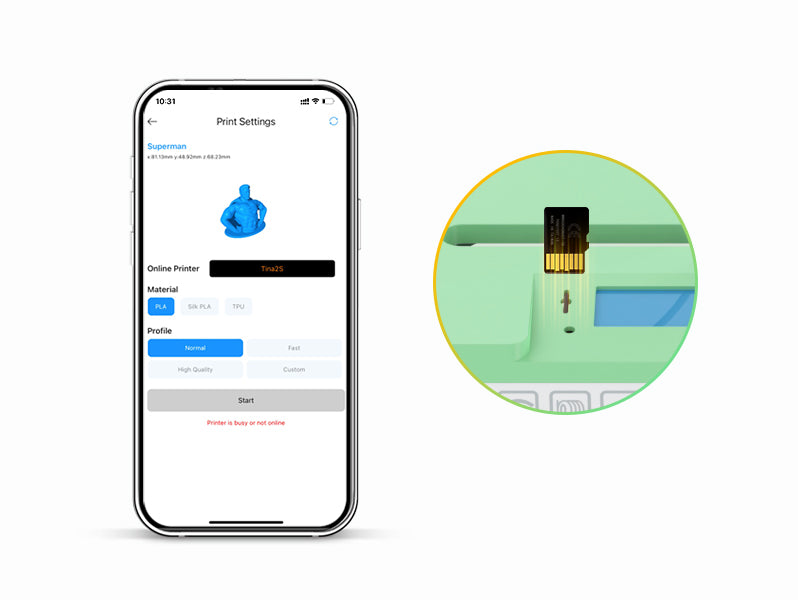
Remotely start printing and monitor progress
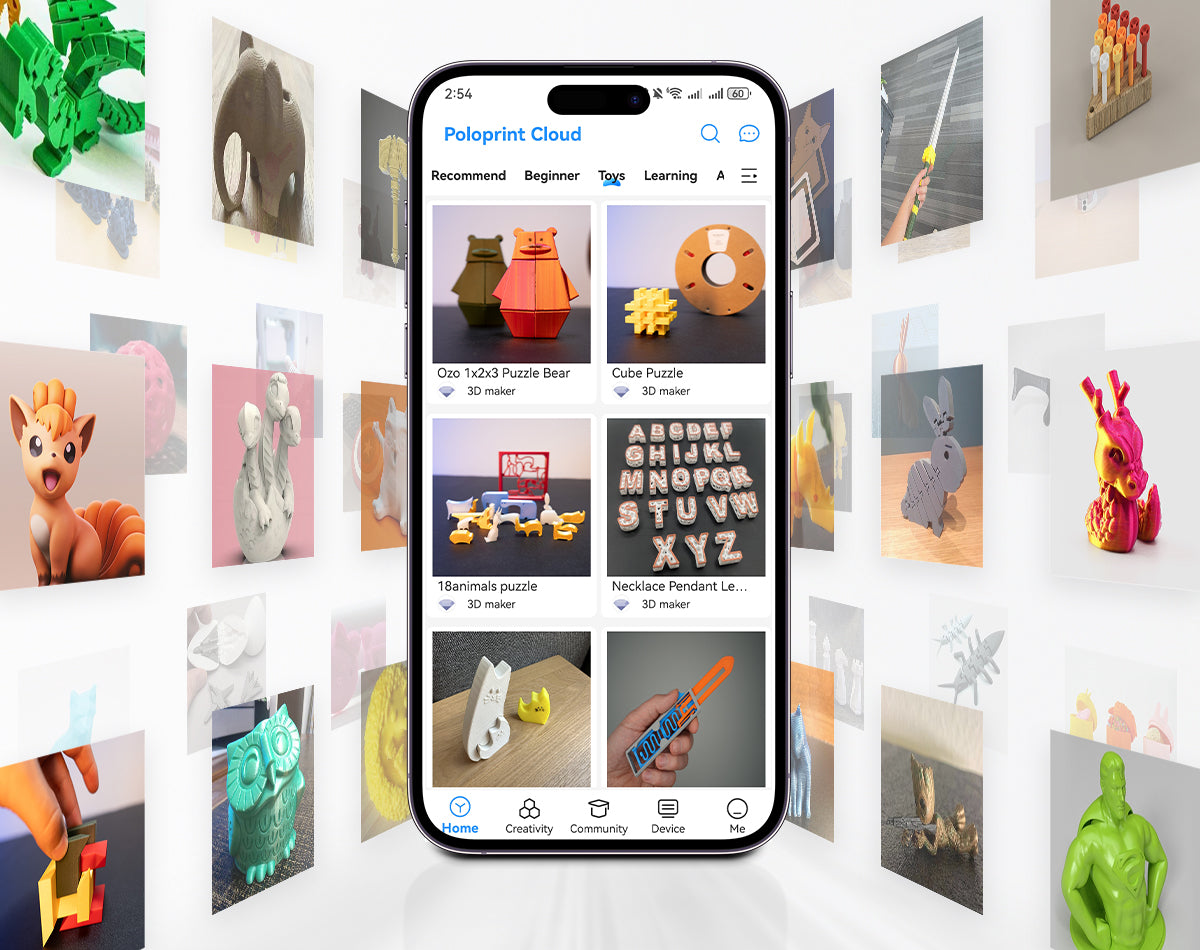
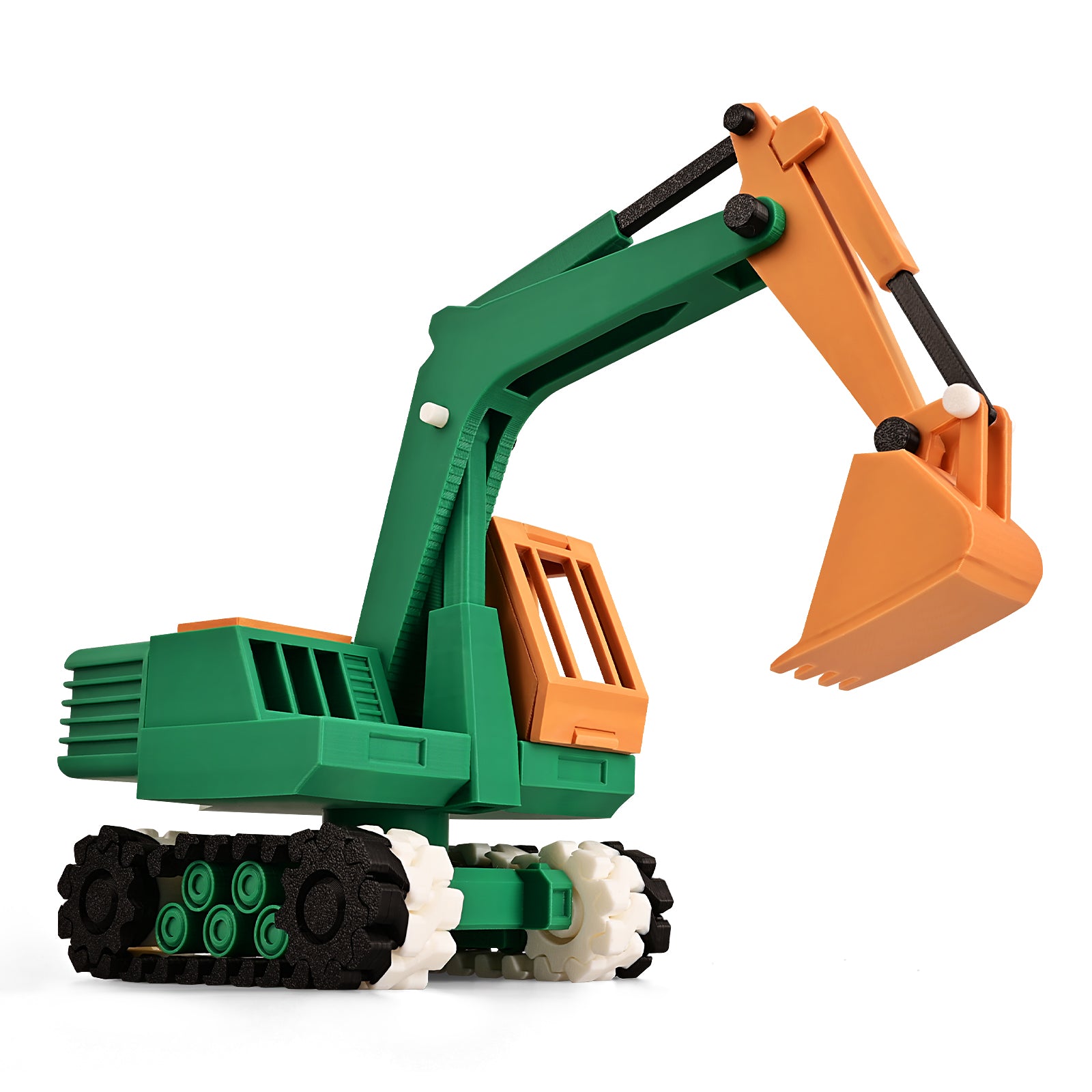
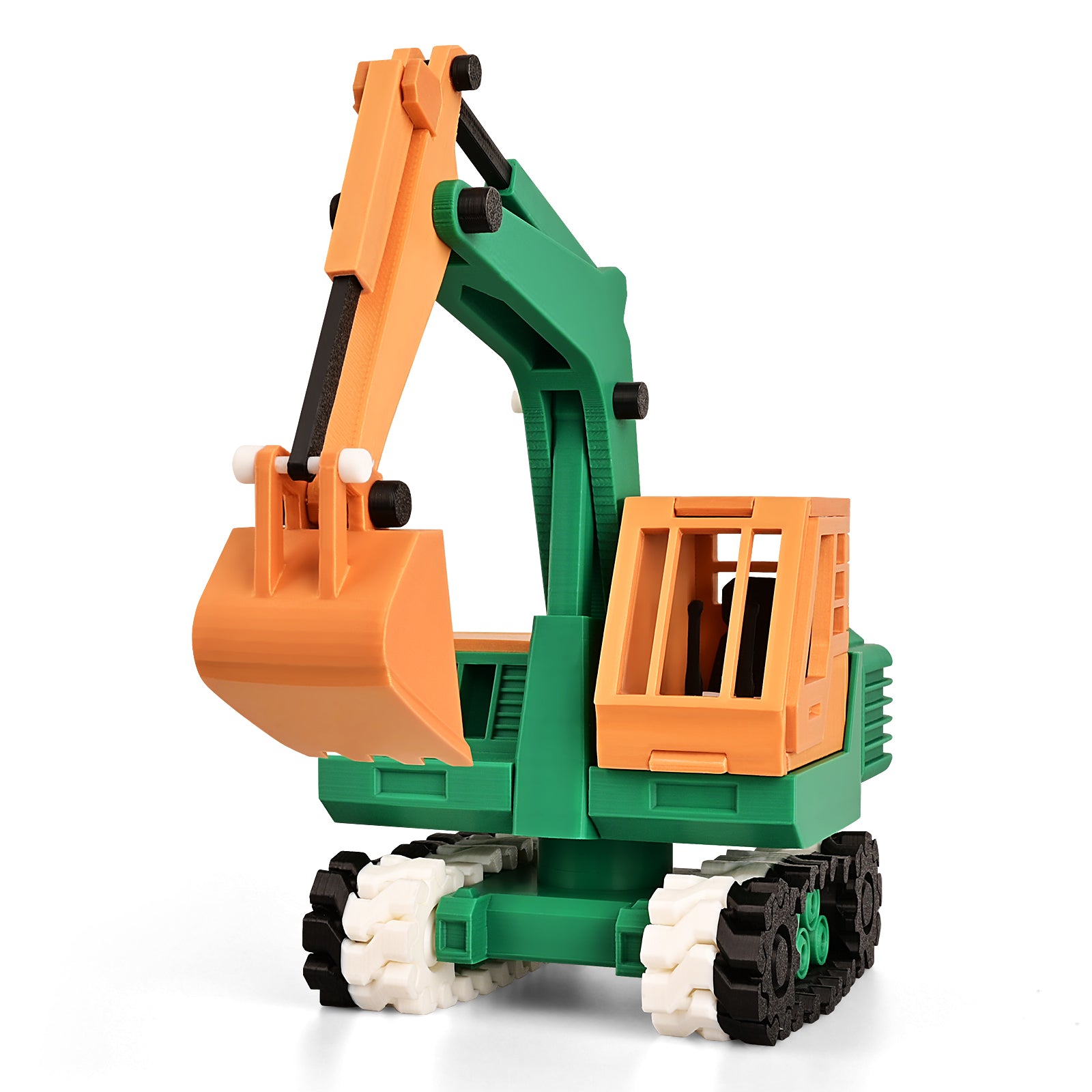
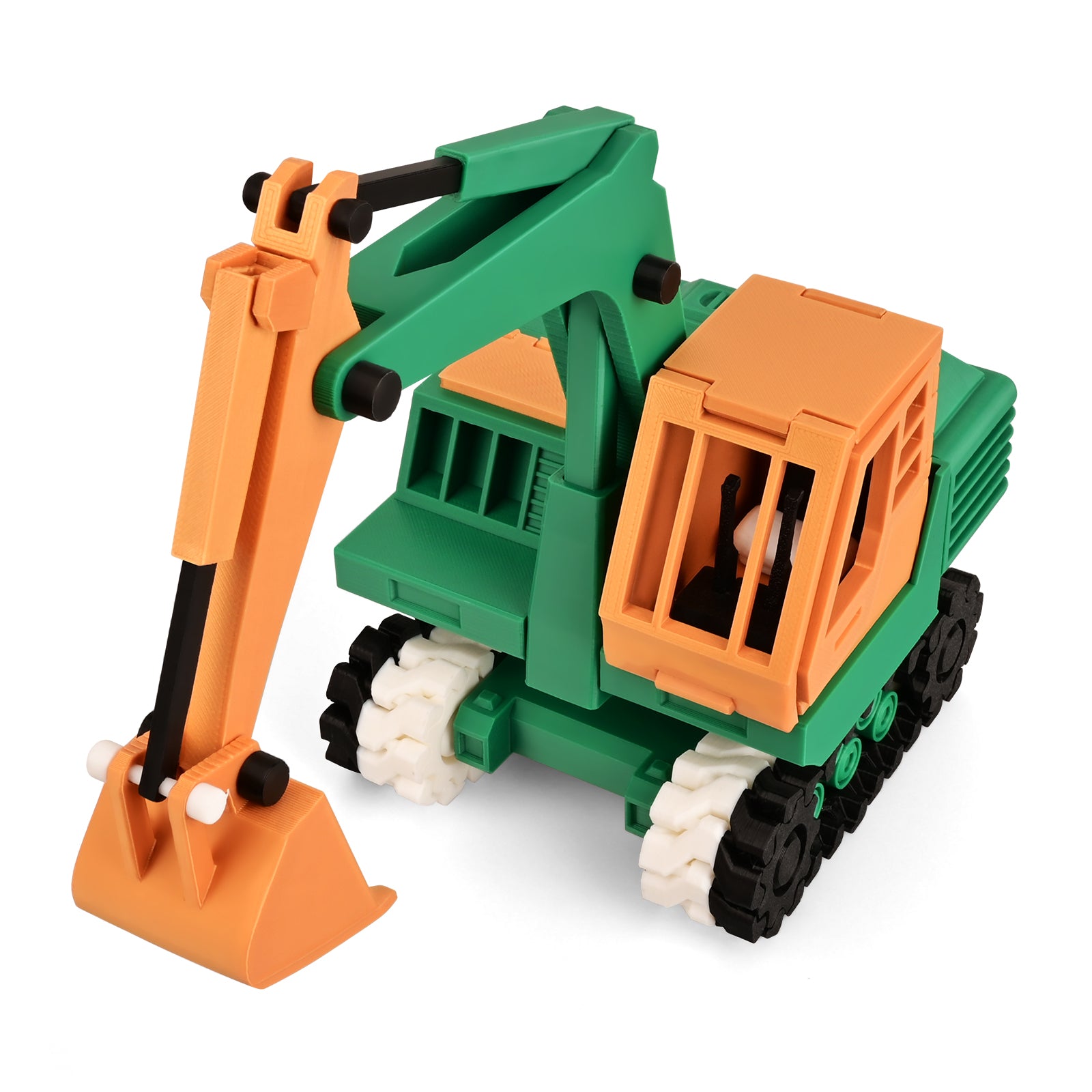
Beginner models, children's toys, learning models, art, fashion, household tools, spare parts





PRODUCT FAQ
Quick answers about setup, key features, model differences, materials, connectivity, and everyday use before you buy.
Setup, printing materials, connectivity and everyday use for this model.
Getting Started
Yes. Tina2 Plus arrives pre-assembled and keeps the automatic leveling and app-friendly workflow of the Tina2 family, but it is aimed more at users who want higher speed, a heated PEI bed, broader material support, and extra print-management features as they grow beyond basic PLA projects.
Getting Started
Tina2 Plus is the performance-focused Tina2 model. It reaches up to 250 mm/s, uses a heated PEI build plate up to 80 °C, supports PETG, includes filament runout detection and power-loss recovery, and has a 100 × 110 × 100 mm build volume. Tina2S is the middle option at up to 150 mm/s with a 60 °C heated spring-steel bed, while Tina2C is the simplest beginner model at up to 100 mm/s without a heated bed.
Getting Started
Tina2 Plus has a 100 × 110 × 100 mm build volume and a maximum print speed of up to 250 mm/s. It offers the largest Y-axis build dimension and the highest listed speed of the three Tina2 models.
Printing & Materials
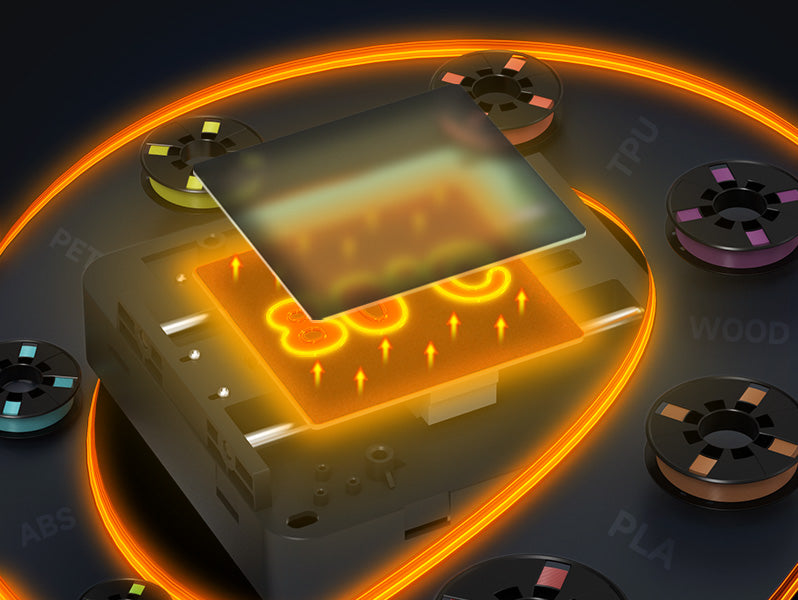
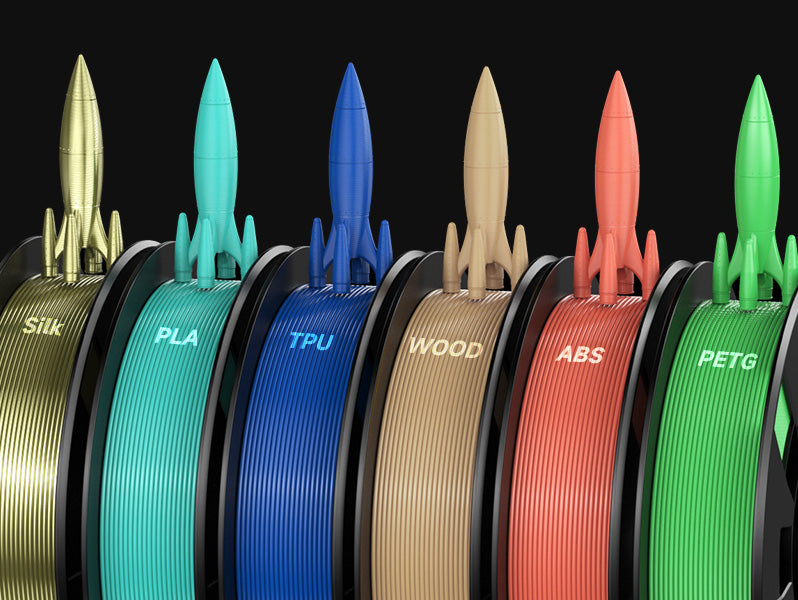
Tina2 Plus supports PLA, PLA Pro, TPU, and PETG with standard 1.75 mm filament. Its heated PEI build plate reaches up to 80 °C, giving it the broadest bed-temperature range in the Tina2 lineup.
Printing & Materials
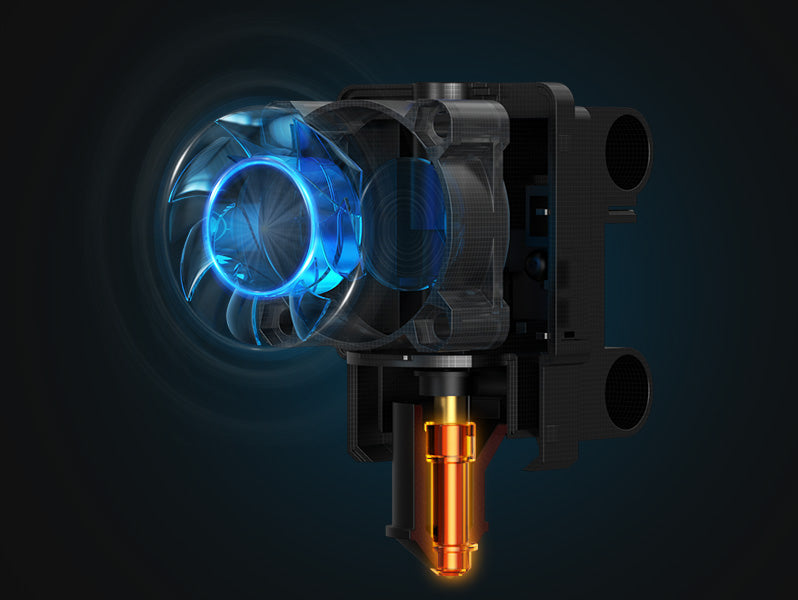
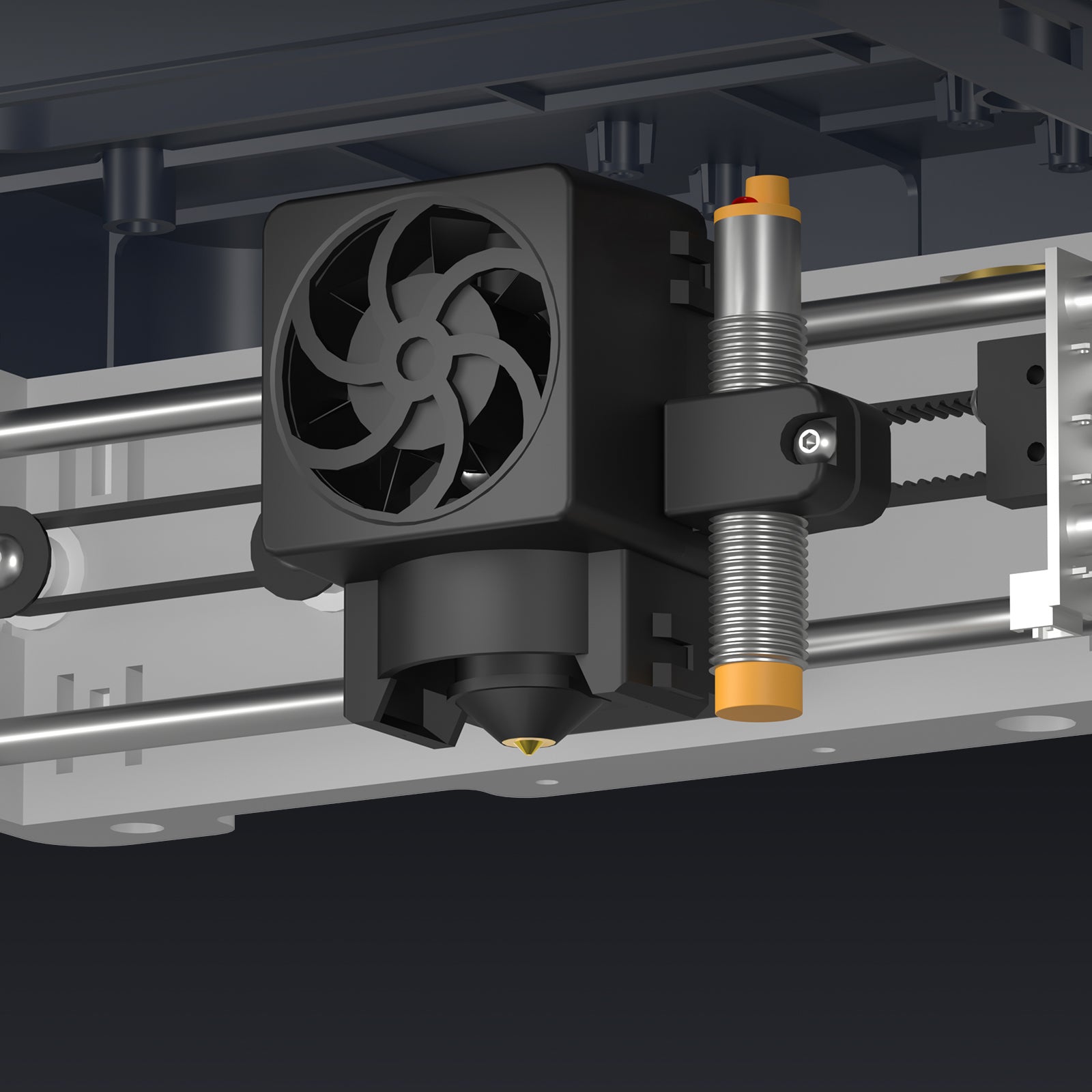
Yes. Tina2 Plus uses 9-point automatic bed leveling and a high-flow quick-release nozzle. The maximum nozzle temperature is up to 245 °C.
Printing & Materials
Yes. Tina2 Plus includes a filament runout sensor, supports power-loss recovery, and supports quiet printing. These features make it the most feature-complete option of the three models for longer or more demanding home projects.
Wi-Fi & Software
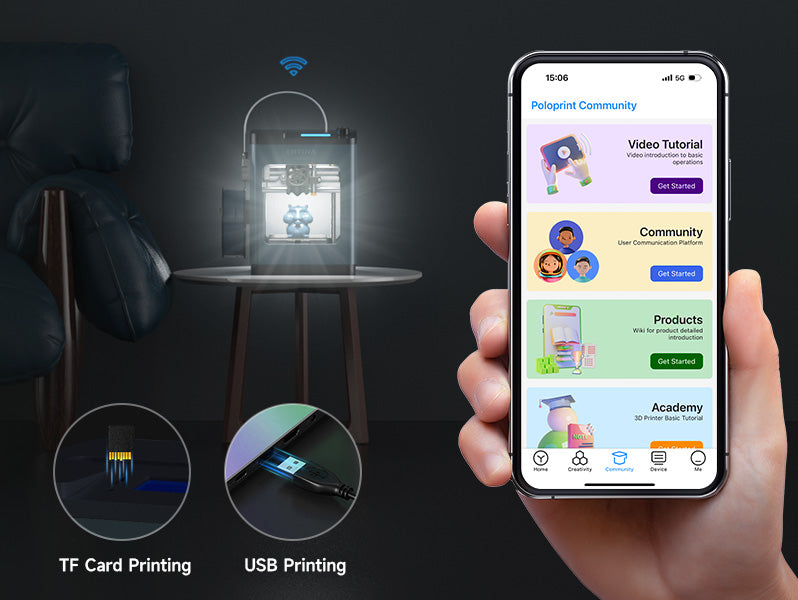
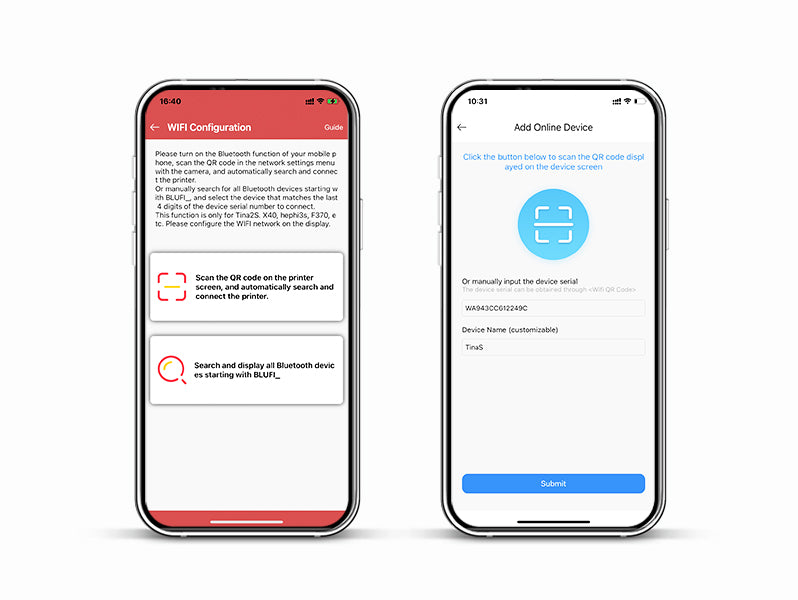
Yes. Tina2 Plus supports app/Wi-Fi workflows as well as TF-card printing, so you can switch between connected convenience and an offline file-transfer workflow.
Wi-Fi & Software
Yes. Use a Tina2 Plus-specific profile in a compatible slicer such as Cura or WiiBuilder. The Plus profile matters because its build area, speed, heated bed, and material settings differ from Tina2C and Tina2S.
Wi-Fi & Software
No. Wi-Fi/app printing is available for convenience, but TF-card printing gives you an offline option after you prepare the model in a compatible slicer.
No matching questions. Try another keyword.
Practical questions about choosing and owning a Tina2 printer.
A paid cloud plan is not required for a desktop-to-TF-card workflow: prepare G-code with a compatible desktop slicer and print from the card. UltiMaker Cura is free to download. App accounts, cloud services, and paid model libraries have their own terms; check these separately. Desktop downloads are listed for Windows and macOS—check the requirements for your exact device, especially a Chromebook or iPad. Check software & device compatibility.
Tina2 printers print one filament color at a time. They do not use multiple print heads or an integrated multi-filament feeding system for multicolor printing. To change colors, manually replace the filament using the printer’s load/unload procedure, then extrude until the old filament color is fully purged and the new color flows consistently. Start the next print only after this purge is complete.
You can begin with a ready-made model instead of designing from scratch. A downloaded STL is a design file: it normally needs to be sliced into printer-ready G-code using the profile for your exact model. Do not copy random G-code made for a different printer. Check model dimensions and the file’s license, particularly if you plan to sell prints. Find model-specific software.
Use 1.75 mm filament of a material supported by your selected model. Different brands may need different temperature and print settings, so standard PLA is the easiest place to begin. Filament diameter and physical spool size are separate checks: a larger reel may need a suitable external holder with a clear feed path. Ask support to confirm the holder and material for your intended spool before buying in bulk.
Treat it as a supervised family activity. An adult should handle setup, hot-part access, maintenance, and troubleshooting. Use a stable surface in a well-ventilated space, with room for moving parts and the spool. Keep hands away from the hot nozzle and moving mechanism. PLA printing still releases particles and gases; a compact housing or low odor does not replace ventilation. Read the manual and NIOSH home-printing guidance.
FDM builds in layers, so some layer texture is normal. Small lettering, delicate features, overhangs, and support-contact areas are harder to reproduce cleanly. Orientation and layer height change the result; smoother finishes can involve extra print time, sanding, or painting. Start with a simple design made for FDM and compare an actual printed sample, rather than a rendered model image, when judging the finish.
First try a supplied test model with the recommended PLA settings. Check that packing is removed, filament feeds freely, the plate is prepared as instructed, and the first-layer/Z-offset setup follows your manual. Auto leveling does not solve every adhesion issue. Keep filament dry and expect occasional cleaning and replacement of wear parts. If it still fails, send your printer model, order number, error message, and a clear photo/video to support@entina3d.com. Open the support hub.
The motors and cooling fans still make noise during printing, and a longer job may run for hours. A quiet-printing feature does not mean silent operation. Use a stable work surface, allow space for ventilation, and choose a location where normal machine sound will not interrupt sleep or calls. For a sound-sensitive room, ask support for a demonstration of the exact model before choosing.
For purchases made directly from this store, change-of-mind requests are within 14 days of delivery and require an unused, complete product in original condition; the customer pays return shipping. Eligible quality issues, transit damage, or incorrect items may qualify for return/replacement support within 30 days, with eligible shipping covered after confirmation. A separate 1-year quality warranty applies, with conditions and exclusions. Contact ENTINA before returning anything; this is not an unrestricted used-product trial. Read the full return & warranty policy.
No matching questions. Try a different keyword.
10 common setup and printing questions, with practical fixes.
Some routers may require reconnecting the device after a restart.
Available wireless and offline methods vary by Tina2 model, hardware revision, and software setup.
Still not working? Restart both the printer and the router, then try again.
An unstable Wi-Fi connection is a common cause of interrupted transfers.
First-layer signs: Lines too loose? Lower the Z offset slightly. First layer overly squished? Raise it slightly.
Paper test method
The paper should slide with gentle resistance—not be trapped firmly under the nozzle.
A heated nozzle can cause burns. Follow the manufacturer's maintenance instructions. If still blocked, contact ENTINA Support.
Check for physical or mechanical problems before changing software settings.
Moist filament can cause rough surfaces and stringing. Temperature and speed settings also affect the result.
Follow this basic five-step workflow:
Use the printer profile and file format recommended for your exact model.
No matching questions. Try a different keyword.
Shop with confidence


