

01Tina2C
CREATOR WALKTHROUGH
A dad-and-son first-print test.
Follow a family through unboxing, loading filament and starting a first print.
jamzDOTnet · Jason Miller
View full walkthrough (opens in a new tab)Producto añadido al carrito
MADE WITH ENTINA
Real prints, creator experiences and a little inspiration for your next project. See how an idea becomes something you can hold.
Explore real creator videos, find a print you love, then choose your next step.
 A creator’s first look
CREATOR EXPERIENCES
Choose a story: a first look, creativity at home or the printing process.
A look at the printer, the box contents and a creator’s first impressions.
See a young maker exploring a finished print in a real home setting.
Follow a creator from the app to a small printed model, with a closer look at the process.
Featured ENTINA creator videos. Each story shows the printer model used.
@bestdealzonhereTina2C
@gpartyofcincoTina2S
@ashtonbrown007Tina2C
PRINT IDEAS
Explore print ideas for play, seasonal decorating and creative details.
EXPLORE THE GALLERY
A closer look at the shapes, details and ideas in the ENTINA gallery.
Hover or tap a photo to explore. Use the arrow keys to browse.
TINA2C · OFFICIAL OVERVIEW
Take a quick tour of Tina2C, from the essentials in the box and loading filament to choosing a model and starting your first print. See the setup and workflow before you begin.
ENTINA 3D · Official walkthrough
Watch on YouTube (opens in a new tab)TAKE A CLOSER LOOK
Go beyond a quick clip with longer creator walkthroughs and model-specific setup help.
CREATOR WALKTHROUGH
Follow a family through unboxing, loading filament and starting a first print.
jamzDOTnet · Jason Miller
View full walkthrough (opens in a new tab)IN-DEPTH CREATOR REVIEW
Explore the printer, slicing software and a selection of creative and practical prints.
ThisBytesForYou
View full review (opens in a new tab)OFFICIAL SETUP HELP
Get model-specific user guides, downloads and support before you begin.
ENTINA Support Center
Find setup helpA SIMPLE START
A clear starting point, with the right instructions for your printer.

01 / Unbox
Unpack the printer and follow the setup instructions for your exact model.
Find your setup guide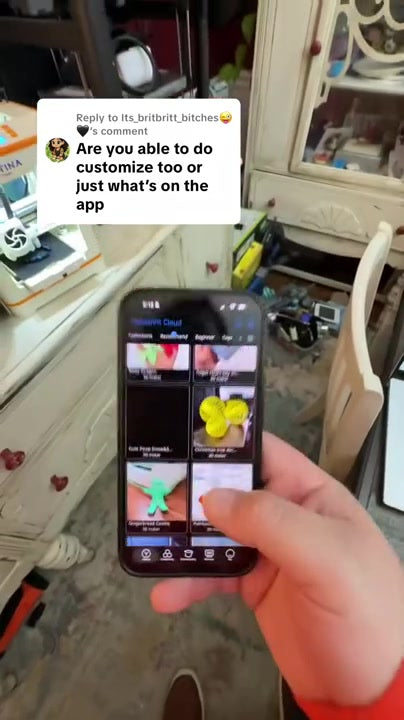
02 / Choose
Pick a model and prepare it using the app or slicing workflow supported by your printer.
Explore guides & software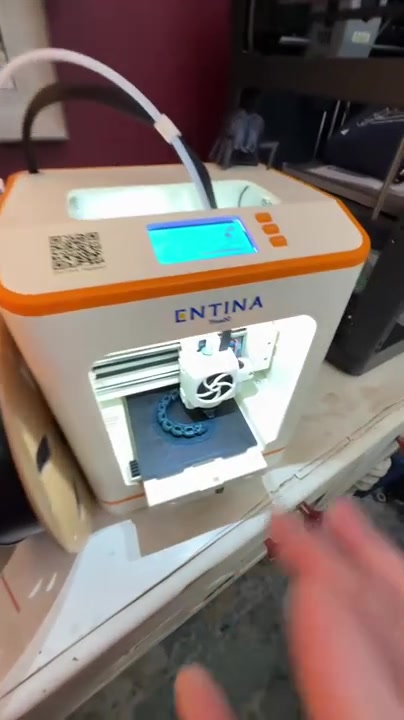
03 / Print
Load the filament, start your print and follow the model-specific guide for removing the finished piece.
Get first-print helpYOUR NEXT STEP
Find a printer for your next project, or get help with the one you already have.
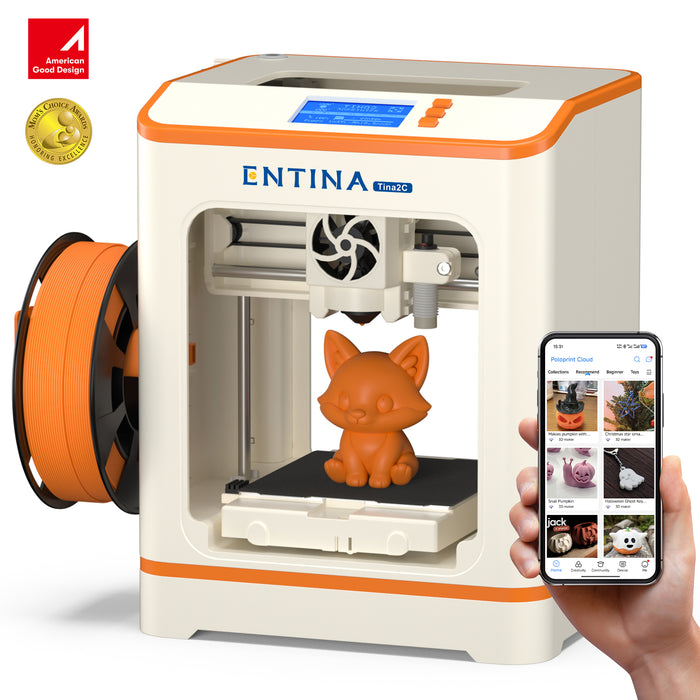
A FIRST PRINTER FOR THE FAMILY
A compact starting point for family projects and everyday creativity.
Explore Tina2C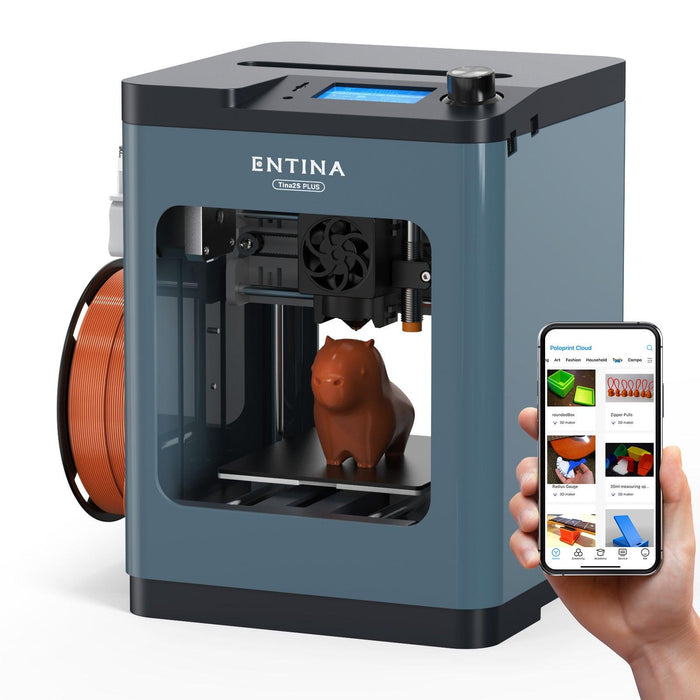
FOR A FASTER PRINTING WORKFLOW
Explore a faster desktop printing workflow for your next creative project.
Explore Tina2 Plus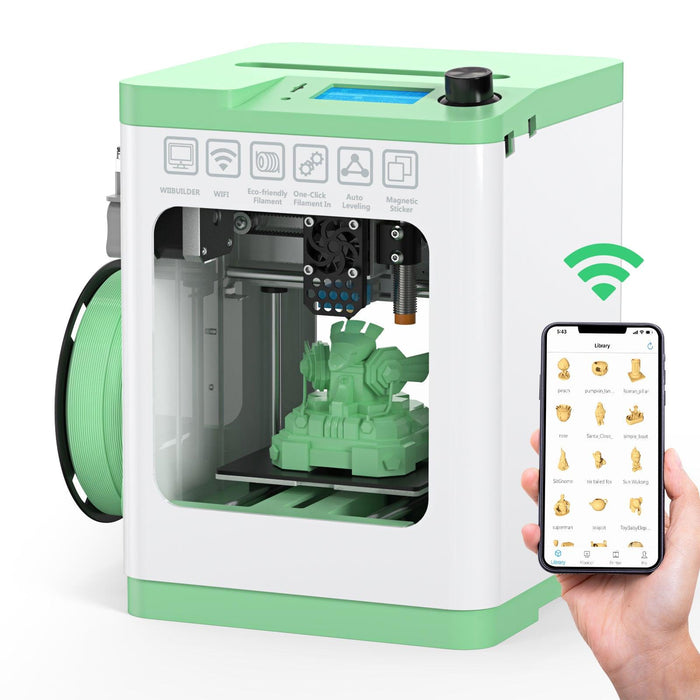
KEEP EVERYDAY IDEAS MOVING
A compact option for app-connected, everyday 3D printing.
Explore Tina2SFind your setup guide or share your next print with the community.
Shop with confidence